
Breaking up with your cloud storage provider may sound simple, but it requires a bit of strategy to avoid losing your digital life. Before you hit that “Cancel Subscription” button, you need a game plan. From hidden grace periods to the best ways to download terabytes of data without tearing your hair out, here is everything you need to know to safely offboard from your paid plan without losing a single file.
Want to stop your cloud storage subscription? Here’s what you need to know

6 Disaster recovery myths putting your business at risk

Disaster recovery (DR) is an essential safeguard, yet it frequently gets brushed aside. Common assumptions give business owners a false sense of security, making it dangerously easy to delay planning. Let’s clear the air and take a look at six persistent IT myths that might be putting your day-to-day operations at risk.
The truth about private browsing and your online privacy

Protecting your online privacy requires constant vigilance. Every website you visit tries to gather information about you. Fortunately, private browsing gives you a quick way to block unwanted snooping. With this feature, your searches and clicks disappear after you finish browsing.
Why identity is the new internal highway for cyberattacks
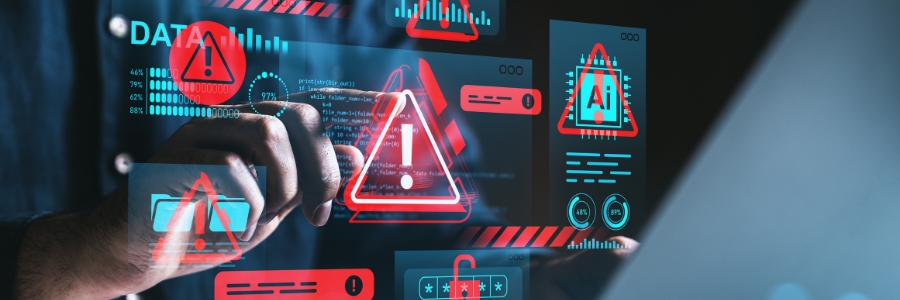
Organizations spend tens to hundreds of thousands fortifying their perimeters, but the biggest threats often originate from within. This article explores how saved passwords and autonomous AI agents can create hidden pathways for cybercriminals, bypassing traditional defenses and highlighting the need for a unified approach to mapping user access.
Practical methods to lower your workplace computer power consumption

Operating multiple workstations throughout the day heavily inflates commercial utility expenses. Simple, strategic modifications to standard desktop configurations can significantly reduce unnecessary electricity usage across your entire office.
Calibrating monitor brightness levels
Display panels are among the primary power consumers in a standard office setup.